Universal TV Remote Control1.0.30
Publisher Description


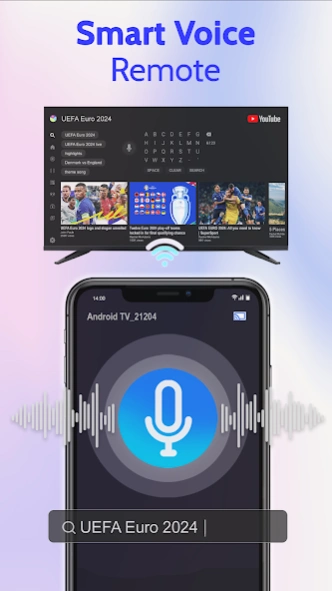
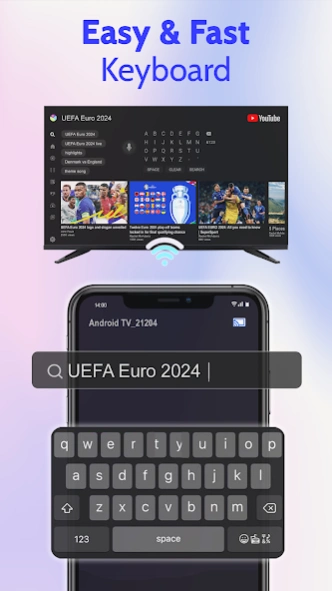
Universal TV Remote Control for Smart TV controller app for all your needs!
Take control of your entertainment system with Universal TV Remote Control, the all-in-one solution to manage all smart TVs. Whether you own a Roku remote, LG TV remote, Samsung, TCL, ONN, or another popular TV brand, this app simplifies your TV experience. Now, control your smart TV with ease, right from your phone!
Key Features:
⚡ Universal TV Remote: Supports all smart TVs, including Roku, LG, Samsung, TCL, ONN, and more, all through one app.
⚡ Roku Remote: Seamlessly control your Roku TV or devices using the built-in Roku remote features. Adjust channels, volume, and navigate apps effortlessly.
⚡ LG TV Remote: Full support for LG TVs with the app's dedicated LG TV remote functionality.
⚡ Samsung TV Remote: Easily control your Samsung smart TV with full functionality from the app.
⚡ Not only are Roku, LG, and Samsung TVs supported, but the app also works with all major TV brands, including TCL, ONN, and many more.
⚡ TV Buttons: Control essential TV functions like Power, Volume Up/Down, Mute, Channel navigation, and more directly from your phone.
⚡ Keyboard and Touchpad: Easily type using the built-in keyboard or control your TV using the touchpad for a smoother browsing experience.
⚡ Launch TV Apps: Instantly open apps on your TV such as Netflix, YouTube, and more with one tap.
⚡ Chromecast & Miracast: Stream your favorite content to your TV via Chromecast or Miracast, enhancing your viewing experience.
⚡ Screen Mirroring: Use screen mirroring to cast your smartphone’s display directly onto your smart TV for videos, apps, and more.
⚡ Simple Setup: Quick and easy connection with your smart TV over Wi-Fi or IR for older models.
Our Universal TV Remote Control app works with popular TV brands like Roku, LG, Samsung, TCL, and ONN, providing a complete TV remote solution for your home. Whether you're using a Roku remote, LG TV remote, or controlling a Samsung, Sony or TCL TV, this app is designed to make your TV experience seamless. With added features like controlling Power and Volume, using a keyboard or touchpad, and instantly launching your favorite TV apps, this app is more powerful than ever.
How to Use:
1. Download and install the Universal TV Remote Control app.
2. Ensure your phone and TV are connected to the same Wi-Fi network.
3. Select your TV brand (e.g., Roku, LG, Samsung, TCL, ONN) and start controlling your TV right away!
No more hassle of managing multiple TV remotes. The Universal TV Remote Control app allows you to control your Roku remote, LG TV remote, Samsung, TCL, ONN, and more from your smartphone. Plus, with built-in Chromecast, Miracast, and features like screen mirroring, using a touchpad, and launching TV apps, you’ll have everything you need for an enhanced TV experience.
Download Universal TV Remote Control today and experience total control of your smart TV. Whether you need a Roku remote, an LG TV remote, or a Samsung or TCL remote, this app has everything you need for a simplified and enjoyable TV experience!
About Universal TV Remote Control
The company that develops Universal TV Remote Control is Wallet Passes Alliance. The latest version released by its developer is 1.0.30.
To install Universal TV Remote Control on your Android device, just click the green Continue To App button above to start the installation process. The app is listed on our website since 2025-10-16 and was downloaded 1 times. We have already checked if the download link is safe, however for your own protection we recommend that you scan the downloaded app with your antivirus. Your antivirus may detect the Universal TV Remote Control as malware as malware if the download link to com.abi.universal.remotecontrol.casttotv is broken.
How to install Universal TV Remote Control on your Android device:
- Click on the Continue To App button on our website. This will redirect you to Google Play.
- Once the Universal TV Remote Control is shown in the Google Play listing of your Android device, you can start its download and installation. Tap on the Install button located below the search bar and to the right of the app icon.
- A pop-up window with the permissions required by Universal TV Remote Control will be shown. Click on Accept to continue the process.
- Universal TV Remote Control will be downloaded onto your device, displaying a progress. Once the download completes, the installation will start and you'll get a notification after the installation is finished.
